
Free browser game and player guide
Build a Rollercoaster: Simulator Design Notes
A practical review of Build a Rollercoaster: Simulator, where track purchases, ride design, upgrades, and earnings create a light management loop.
Play Build a Rollercoaster: SimulatorOpens the Playgama-supplied game on a separate, ad-free runtime page.
Building for the ride, not just the track
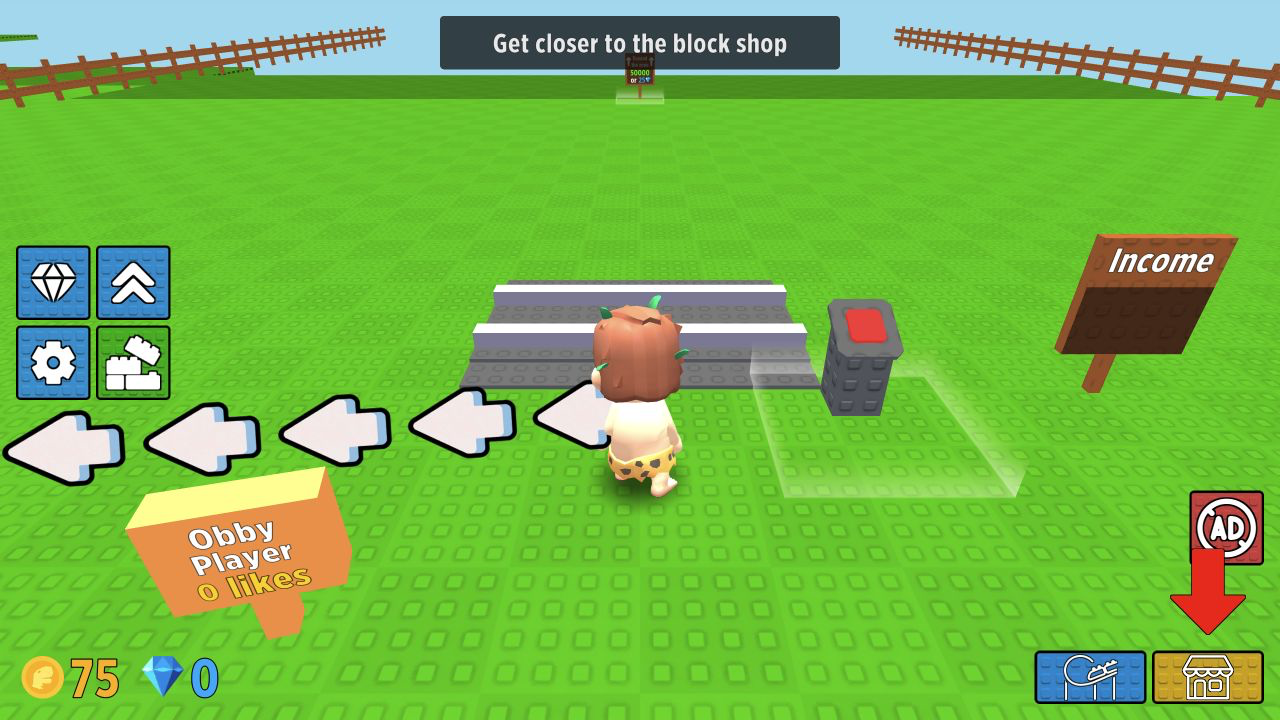
Build a Rollercoaster: Simulator is about creating roller coasters, riding them, earning currency, and improving the track over time. The simple description hides a useful loop: design something, experience it, earn from it, then decide what part of the ride should improve next.
The best way to play is to think of each track addition as a choice about the ride's personality. A longer section may increase the sense of scale. A sharper element may make the ride feel more exciting. An upgrade may improve the earning loop and help future building.
Progression decisions
Currency should be used with a goal. If the current coaster feels too short, buy track. If the ride exists but progress feels slow, upgrades may be better. If the game rewards repeated rides, improving the income loop can matter more than adding a decorative section immediately.
This is where management enters the game. The player is not only placing track; the player is deciding how to turn a small ride into something larger.
Testing the coaster
Riding the coaster is useful feedback. Does the track feel satisfying? Are the turns readable? Does the ride have enough variation? A simulator like this is more fun when the player watches the result rather than treating construction as a menu task.
If a new section does not improve the ride, the next purchase should solve that weakness. The design grows through feedback.
Managing growth
The most common trap is buying the flashiest addition before the basic income loop is comfortable. A coaster that earns steadily gives the player more freedom later. A coaster that looks interesting but stalls progress can make the next upgrade feel slow.
Think of early purchases as foundation work. Once earnings are stable, creative expansion becomes easier.
Device comfort
The provider lists desktop and mobile availability. NovarGame verified only the desktop runtime, so mobile comfort is not claimed as a test result. Clear purchase and placement controls are the main usability requirement for a smaller display.
Both horizontal and vertical views can be useful depending on whether the player is building, riding, or navigating menus.
The ride camera is part of the reward, so a screen large enough to enjoy the coaster can make the game feel better.
Players who like both building and watching the result will get more from it than players who only want menus.
Why to try it
Build a Rollercoaster: Simulator suits players who like theme-park ideas, light building, incremental upgrades, and seeing a design become rideable. It is not a complex engineering sim. Its value is accessible creation with visible progress.
It works as a gentler construction-management game where the reward is watching your own coaster grow. The pleasure is not in strict physics accuracy; it is in turning a small ride into something busier, smoother, and more profitable over time.